

Liquid Glass App Icons
June 16, 2026 • Louie Mantia & Luka Grafera
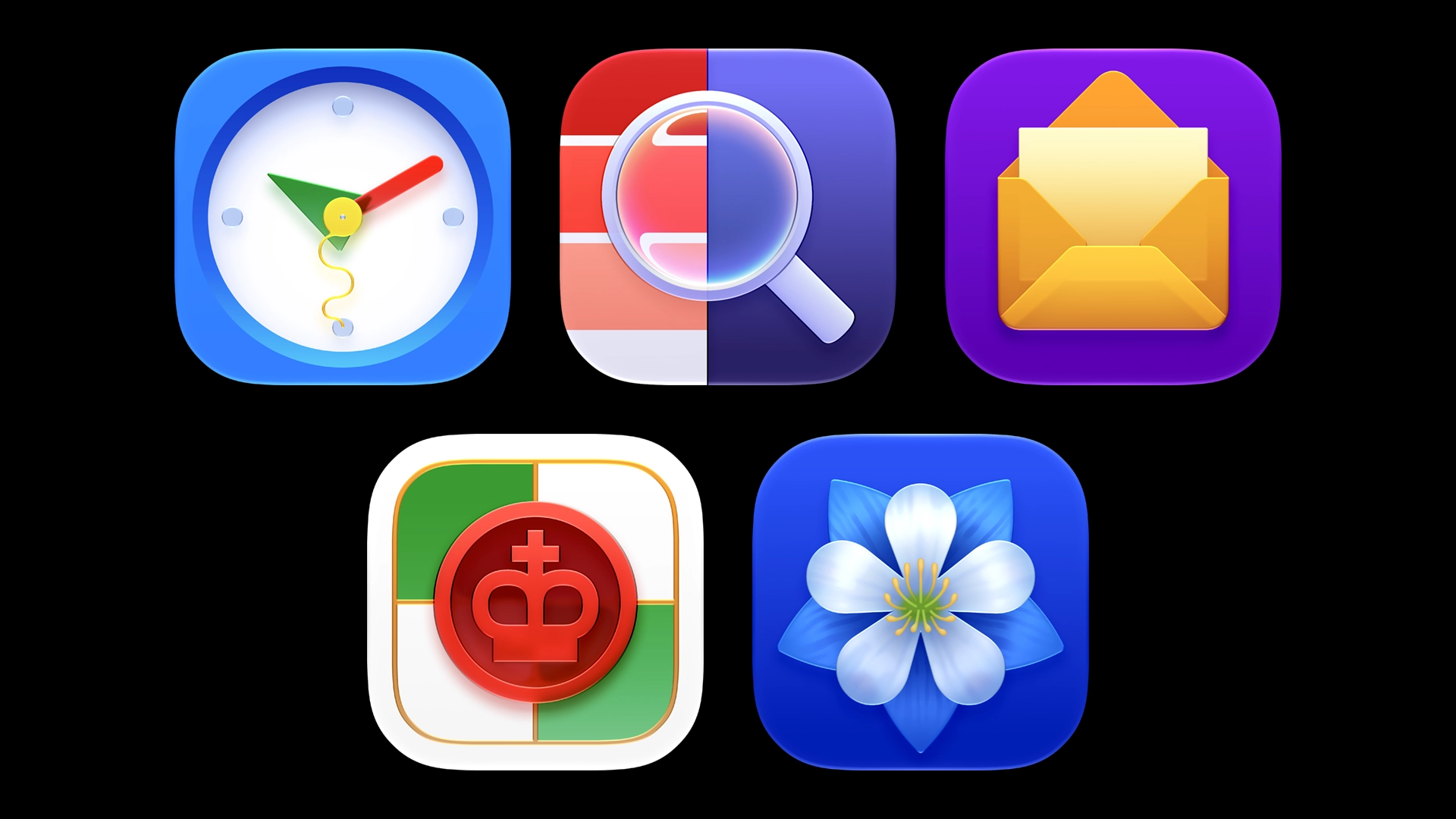
Liquid Glass is getting a much-needed update from Apple, replacing the fuzzy layer styles and contrived rotation effects of the previous iteration with crisp specular highlights and glass refractions.
This is what Liquid Glass should have been from the start. Massive relief was followed by genuine excitement to try out the new tools in Icon Composer 2. After studying the OS 27 icons and making note of aesthetic details we appreciated, we tested the new features with some of our own demo icons.
Specular Highlights
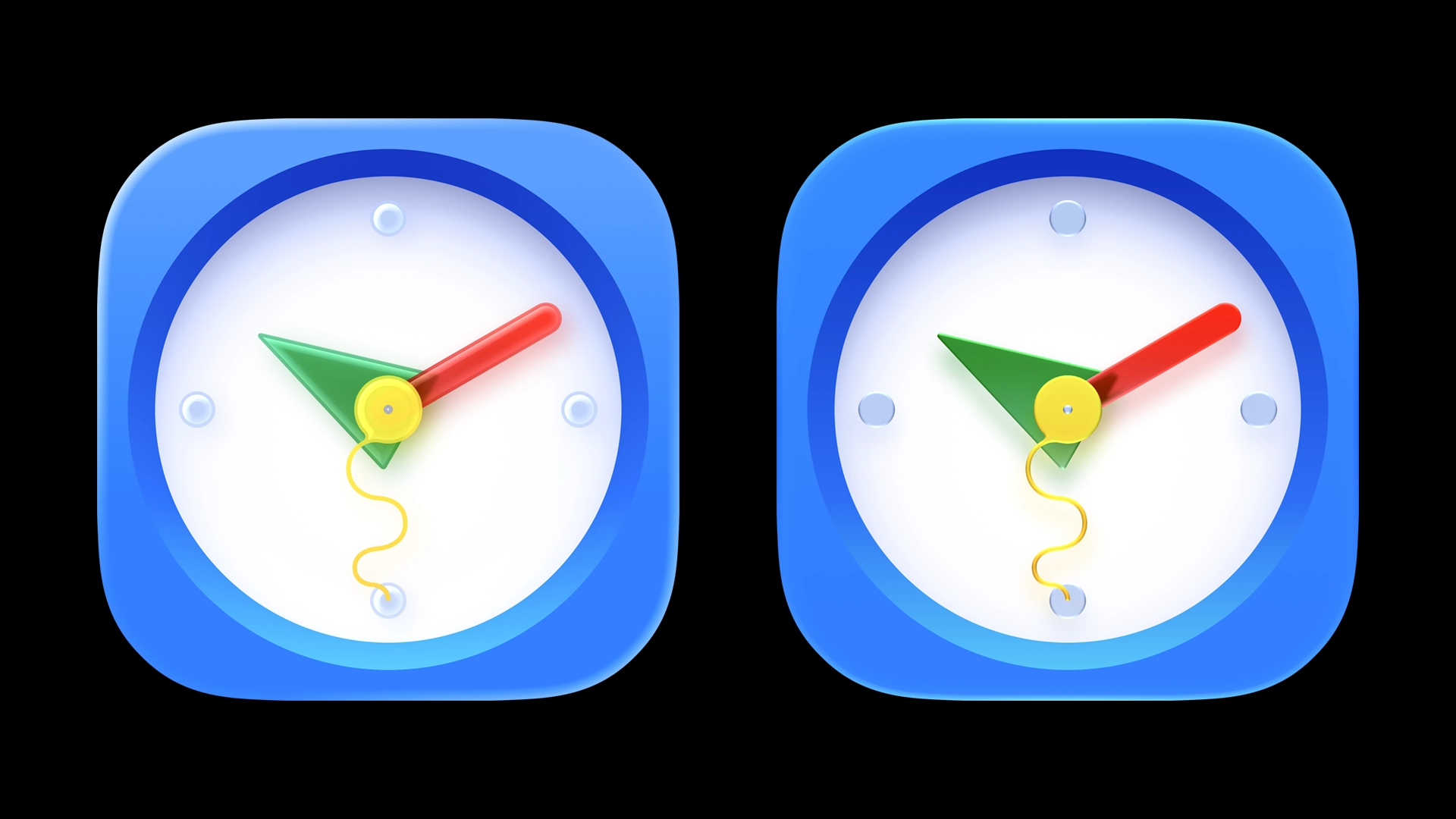
The most noticeable improvement is sharper specular highlights. In addition to refining the edge effect, a new “Exterior” option was added which accentuates both the inside and outside edge of an object. By default, Icon Composer chooses one automatically based on color contrast between layers.
Inspired by the “original” Apple watch, this clock app icon shows multiple layers with last year’s style compared to this year’s style.
Refraction
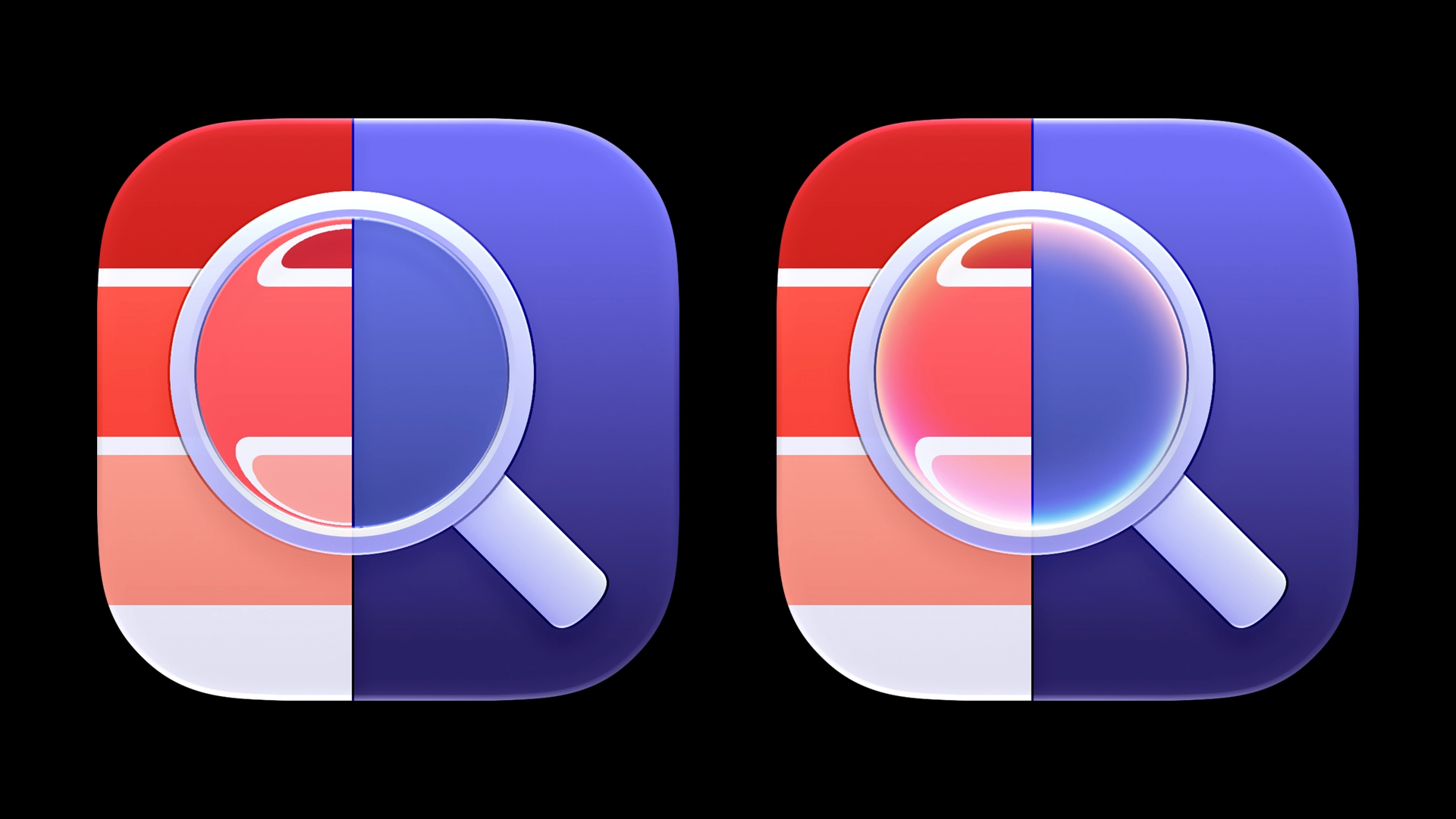
The brand new refraction effect really shines with translucent objects layered over high-contrast backgrounds, so we decided a magnifying glass with a swatch palette would be a great example.
After adjusting the depth and angle of the refraction, we found the output was not as smooth as we’d expect from something called Liquid Glass. The rendering quality is poor, with both artifacts and aliasing, leading to crunchy, jagged edges. Adding a 5–10% blur can alleviate this, but at the loss of crisp edges.
For objects that call for a sharp, smooth refraction, we might be keen to manually redraw the refraction using another tool.
To our mild disappointment, the chromatic aberration in the Image Playground app icon is just baked in as part of the artwork, not an effect anyone can turn on in Icon Composer. Still, red-blue gradients applied manually to the edge of a lens, combined with refraction, is undeniably pretty.
Translucency
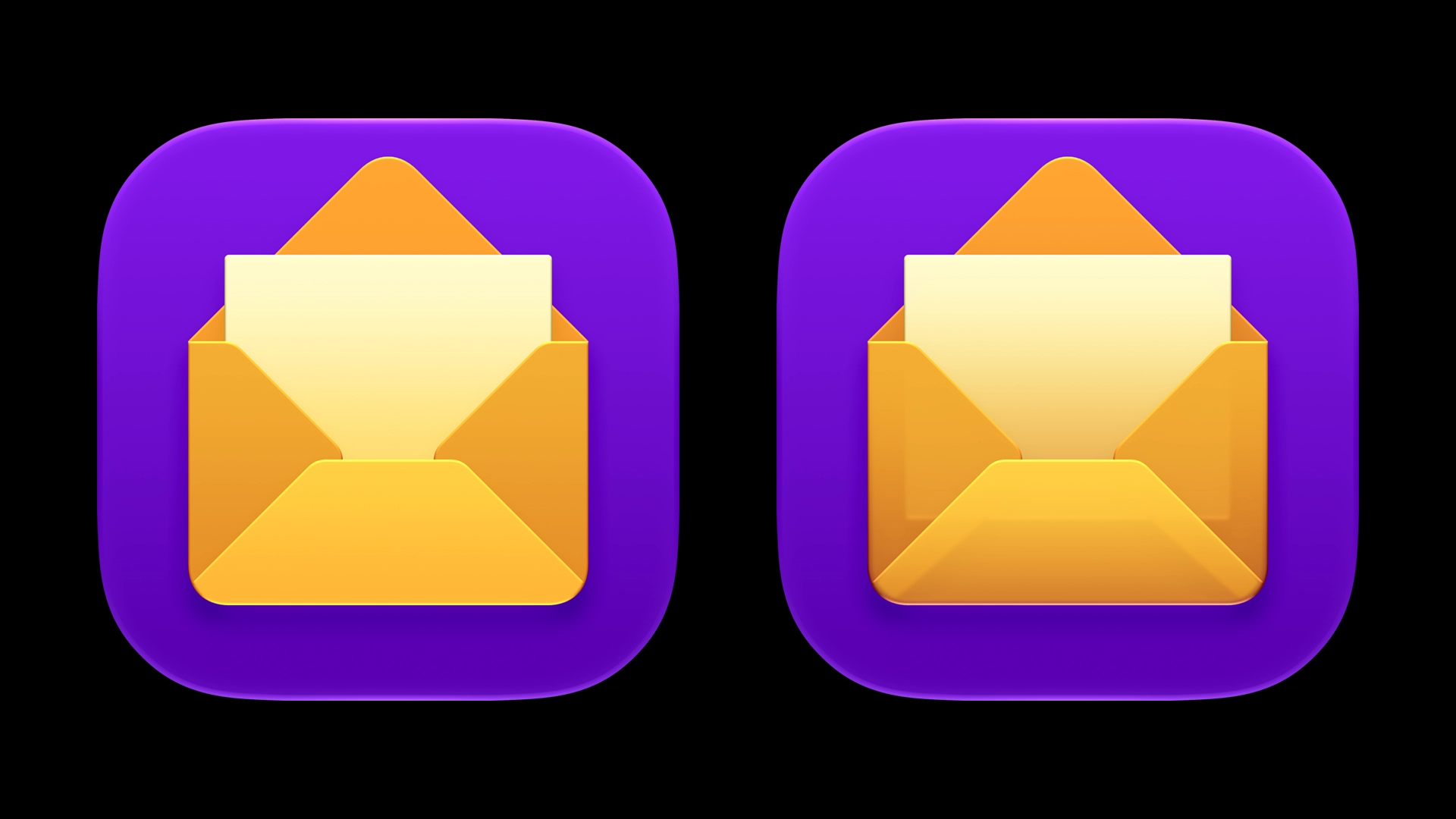
The translucency effect also got an upgrade. In the prior release, the “Translucency” setting decreased the opacity toward the lower end of the layer and the upper half of that layer’s edge. It now only does the former, which, when combined with the sharper specular highlights, improves shape legibility.
In this example, the envelope containing an invitation gains some character and depth with just enough translucency to show the bottom edge of the card inside.
Dark Mode & Chromatic Shadows
As of last year, Dark, Clear, and Tinted variants of icons are delivered as part of a single icon file. This allows each variant to have altered parameters using identical layers, which is almost always necessary because of how differently effects render on different backgrounds.
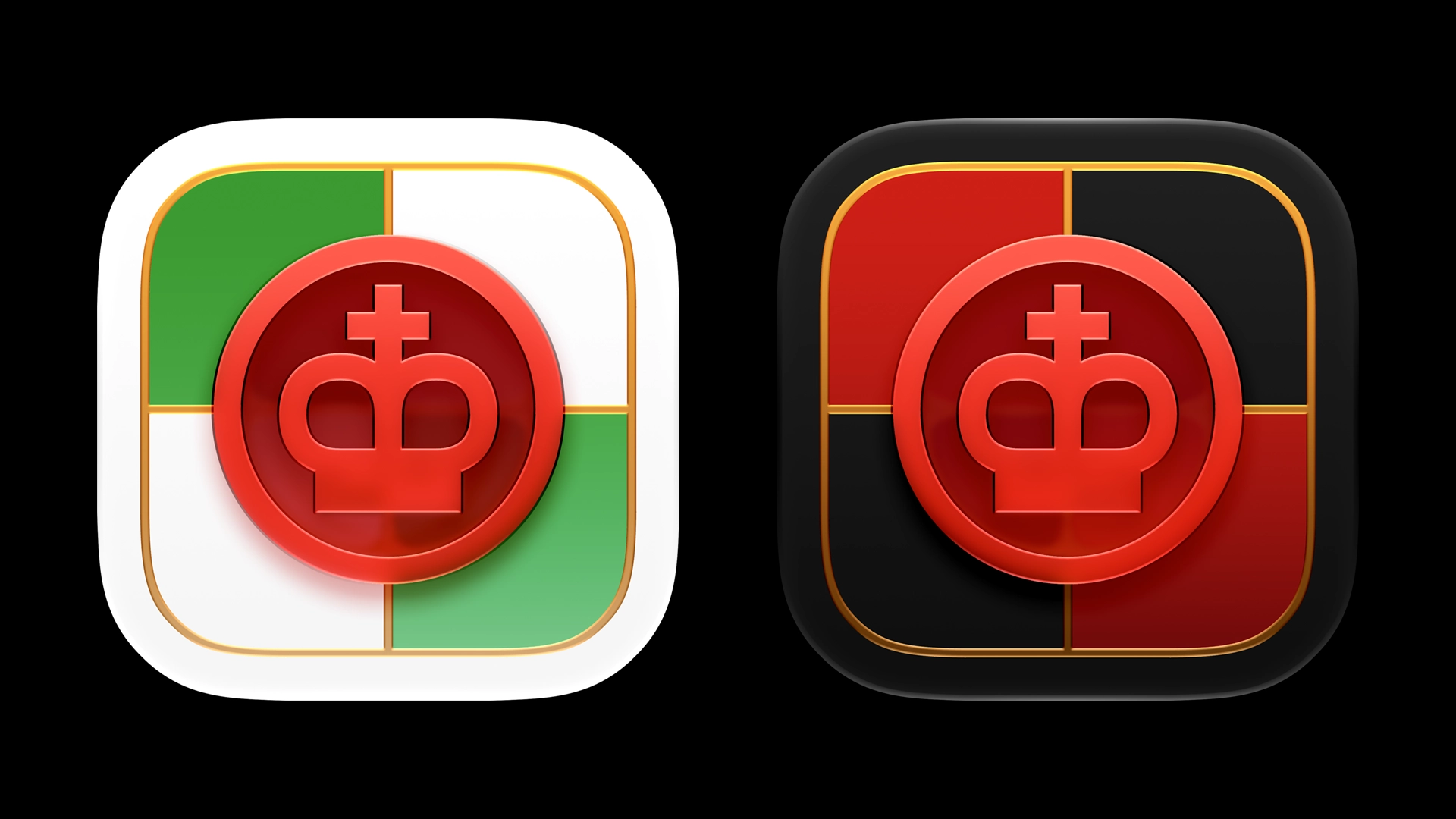
This checkers icon features a red piece with a chromatic shadow. While that looks great on lighter colors, chromatic shadows tend to look far stronger against darker backgrounds. Setting the shadow to “Neutral” only for the Dark appearance keeps this shadow soft.
Adding Dimensionality
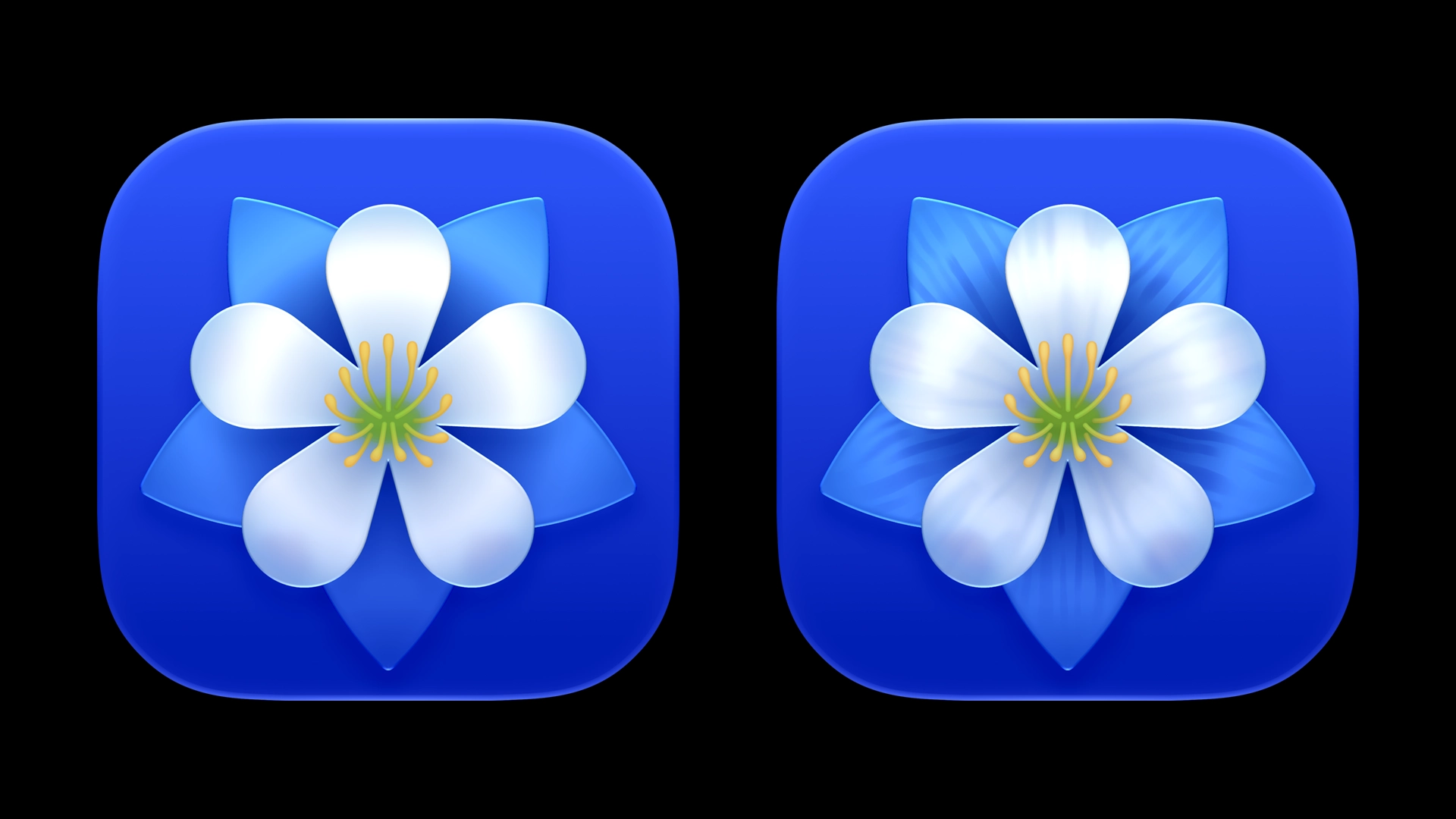
We’re big fans of icons with texture and dimensionality, in our own work and in design more generally. So naturally, we’re interested in combining these attributes with Liquid Glass, but without looking out of place on iOS Home Screens or macOS Docks.
By layering our own styles, keeping contrast levels low, and utilizing the specular highlights and translucency in Icon Composer, a little bit of texture and shading goes a long way in an environment with so many smooth and flat surfaces.
On-Device Rendering
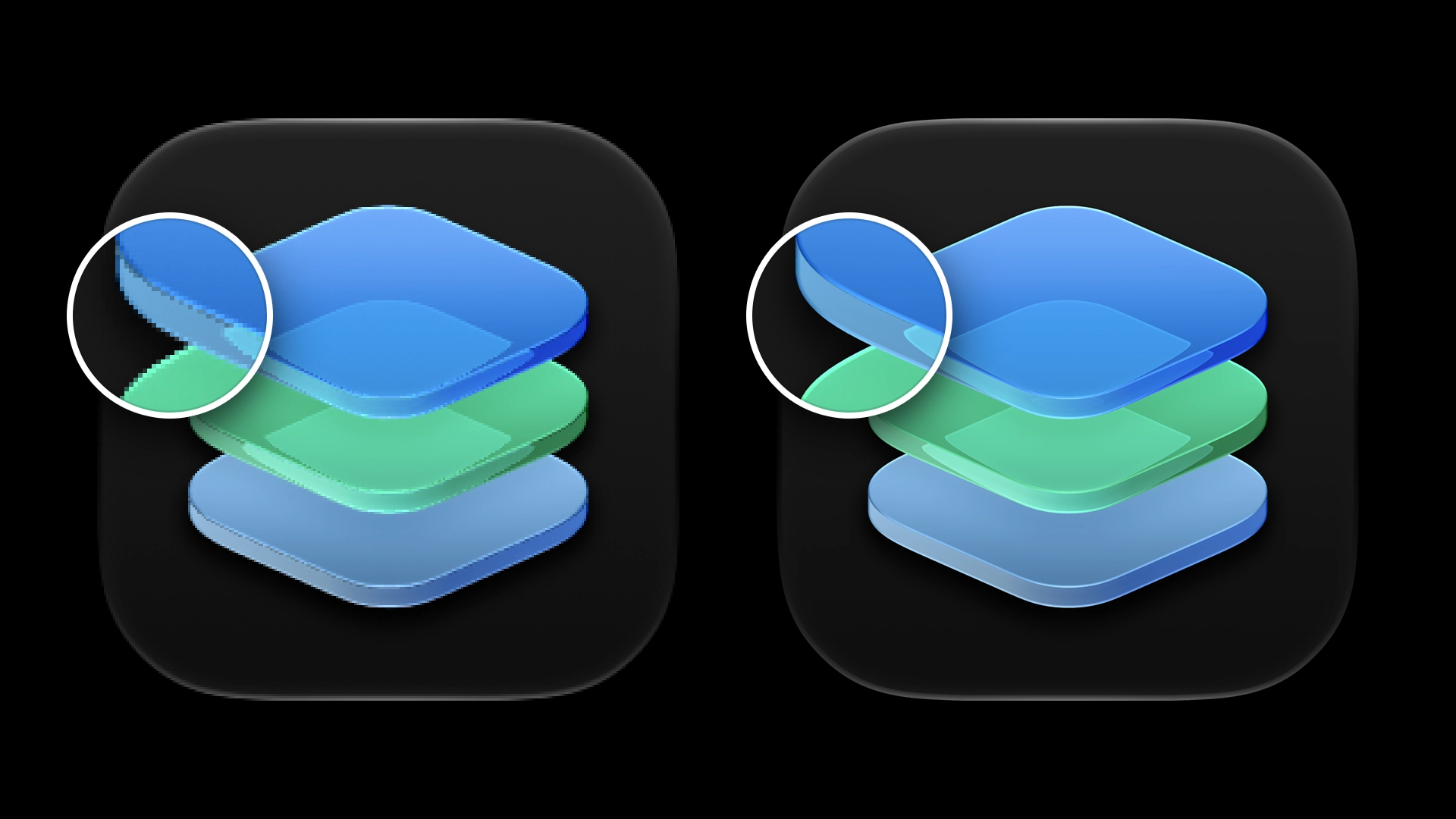
On device, Apple’s own app icons exhibit rendering artifacts and aliasing, especially along the contours of shapes and in refractions. But in their marketing, these imperfections are suspiciously absent, because Apple is exporting app icons from Icon Composer at higher resolutions, then scaling them down bicubically in an image editor to smooth out these imperfections.
Hopefully ahead of the OS 27 public release, devices can also do on-device supersampling for app icons to improve their appearance in the Dock, Finder, and on Home Screens.
Implications
Without a doubt, the visual effects of Liquid Glass have improved. Even an old icon file rendered without making any changes will have a noticeable upgrade. And the increased flexibility of these effects is appreciated. These changes may likely result in better visual harmony across the system.
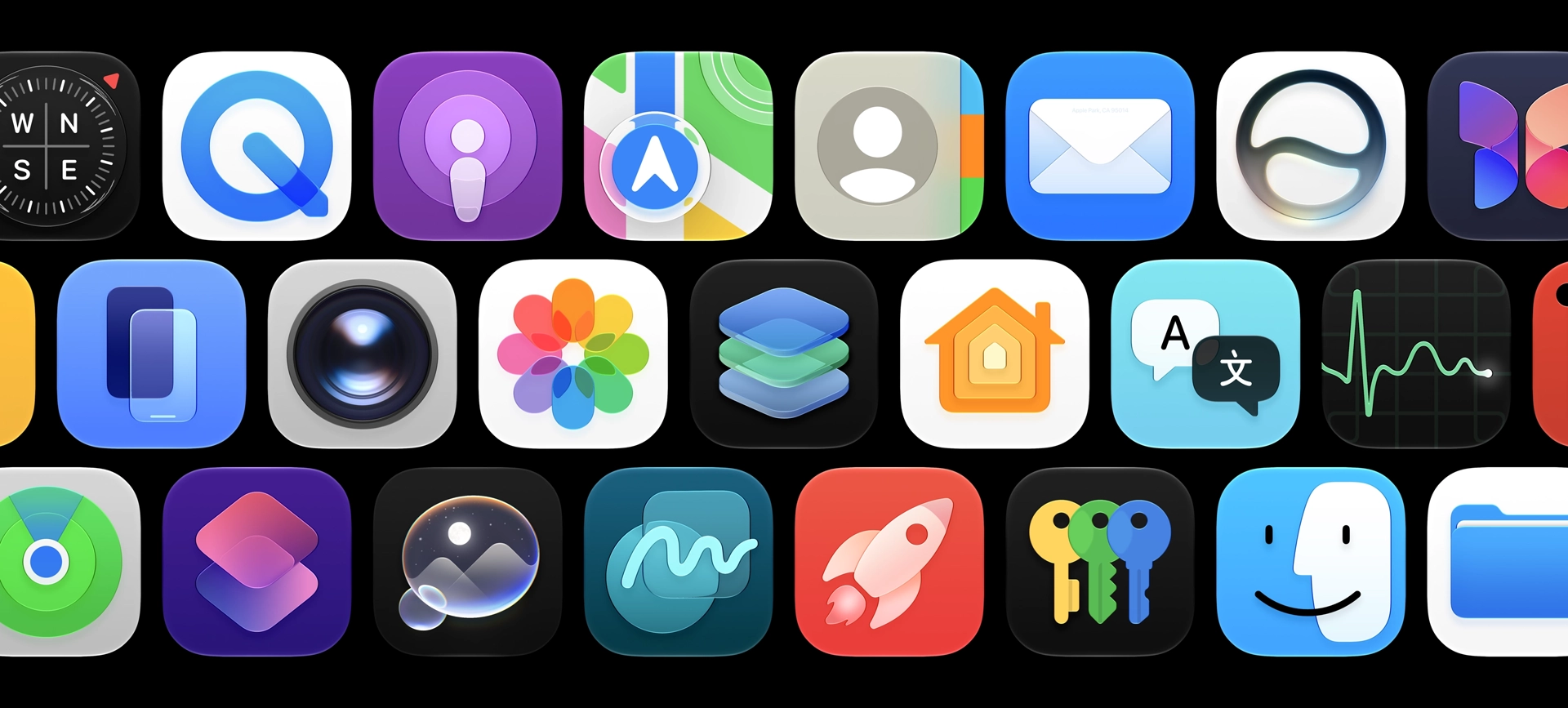
However, since many of the effects we appreciate are baked into imported raster artwork rather than something we all have access to in Icon Composer, and since the specular highlight is static and unaffected by the rotation of the phone, we question the utility of rendering a final icon using Icon Composer at all.
If anything, this release demonstrates how Apple can and will alter the visual style of third party app icons without the involvement of app developers. The variables inside an icon file are interpreted and rendered on device, which transfers control away from developers.
On our end, a fair amount of time creating these icons was spent rendering a component in Photoshop, exporting it, importing the asset into Icon Composer to test it, making adjustments, and doing it all over again. Any time we save by allowing Icon Composer to deliver an icon as a single file rather than several PNG assets is consumed several times over by a tedious back-and-forth process, managing artwork between two or three design tools.
Unless Apple develops Icon Composer into a more extensive drawing tool, we will be stuck with this cumbersome workflow any time we want to utilize Liquid Glass effects.
Assuredly, making an app icon can be as simple as importing an SVG file and using the default effects, but making an icon that satisfies our own creativity, looks great on the platform, and meets the expectations of our clients will continue to require a lot more.
Work with UsLearn More
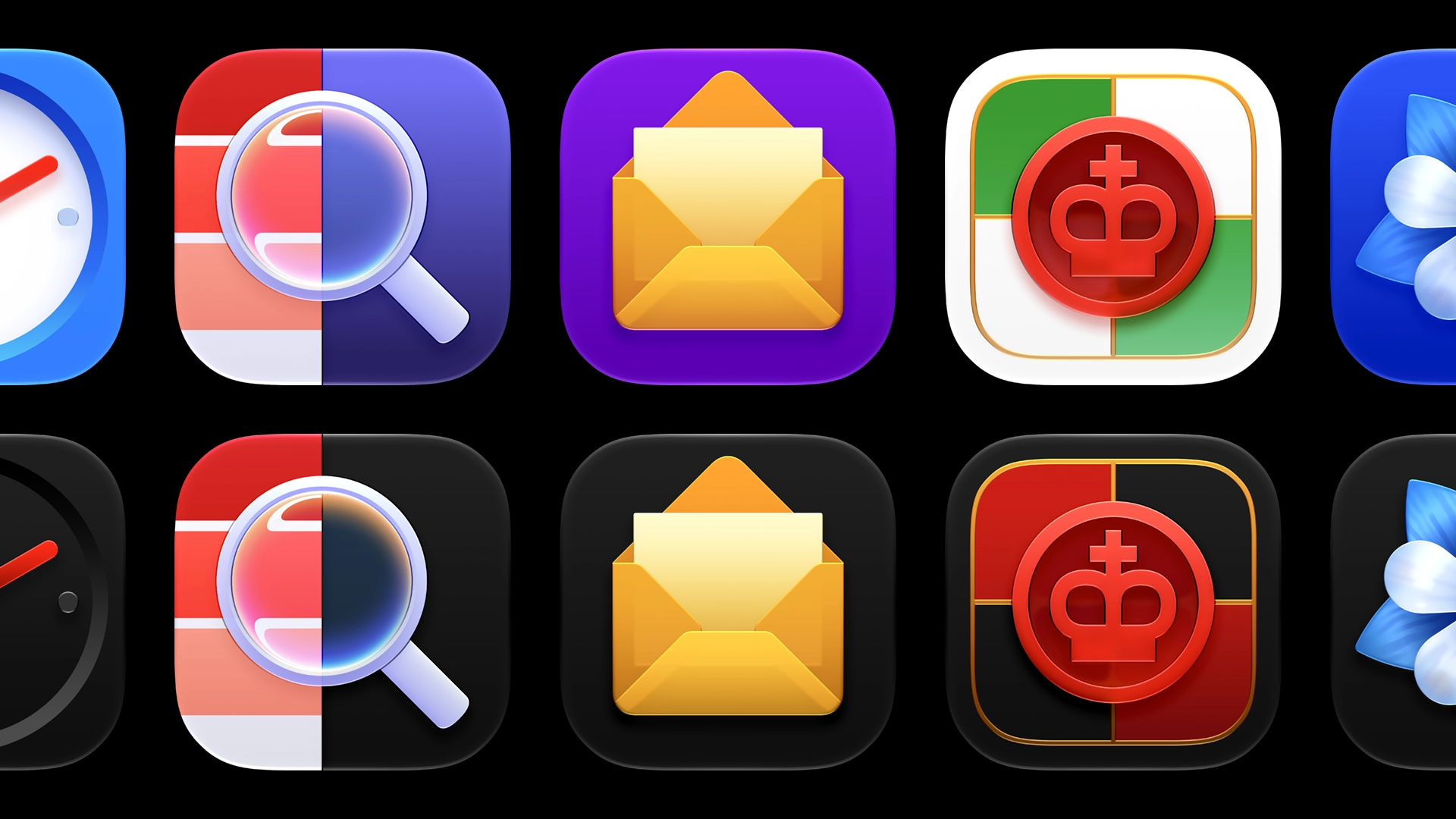
If you’d like to learn more about the construction of these app icons, you can download and open each of them in Icon Composer 2. Feel free to inspect, alter parameters, and see what’s possible, only for educational purposes. You may not use these icons for your own apps or re-use any component.